
You can reset your password via your registered Spark email address
If you have not been setup on Spark contact your Spark Administrator to add your account and user groups.
Step 1 - Request Password Reset
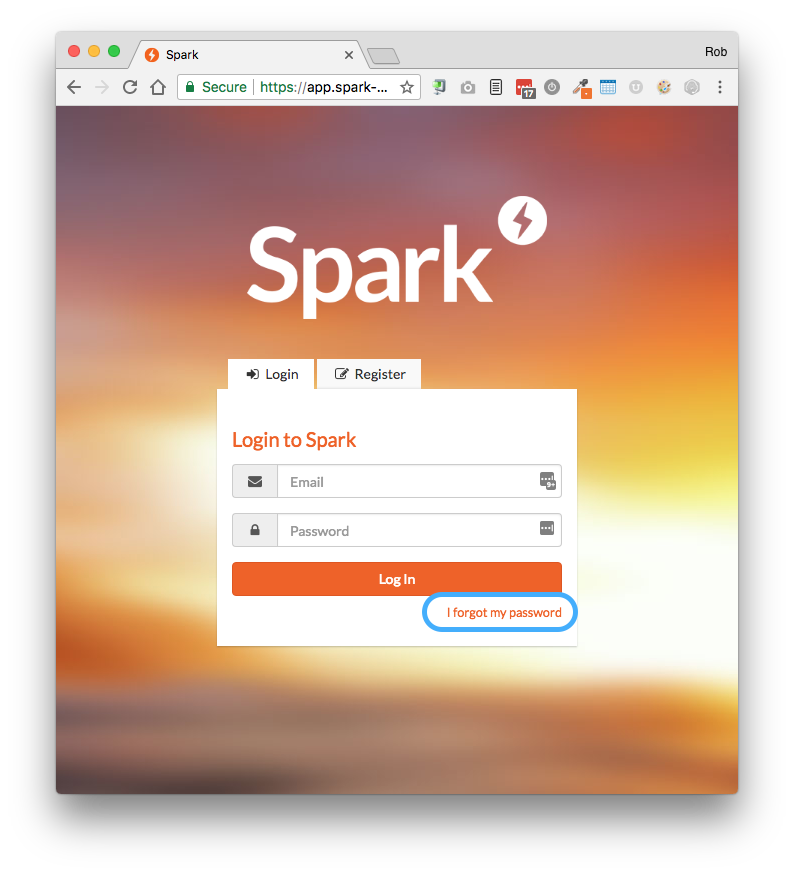
- Goto app.spark-system.co.uk in your browser
- Click I forgot my password
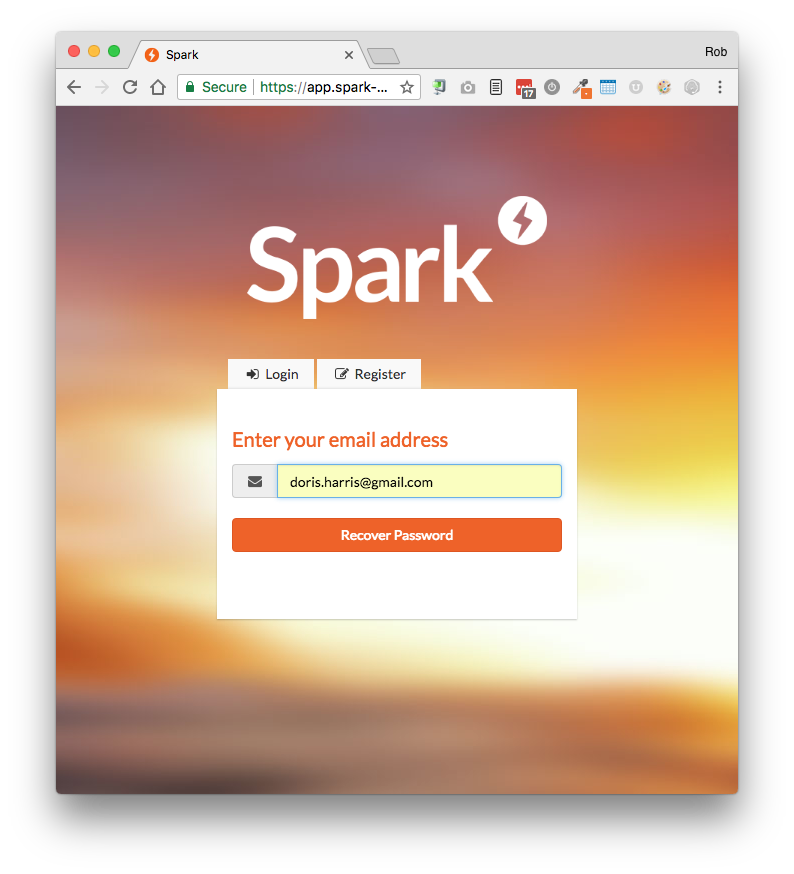
Step 2 - Enter your email address
- This needs to be the email that's registered to your Spark account
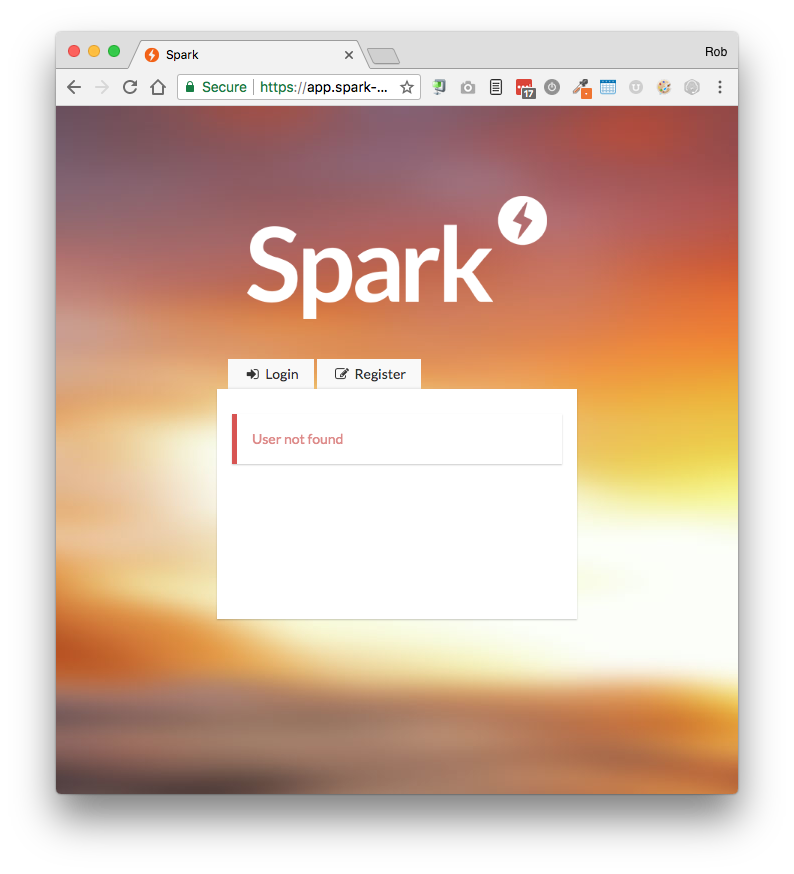
If you see the message that your email has not been found.
- Your email has not be registered in Spark or you have mistyped it.
- Press the Login button to retry the process
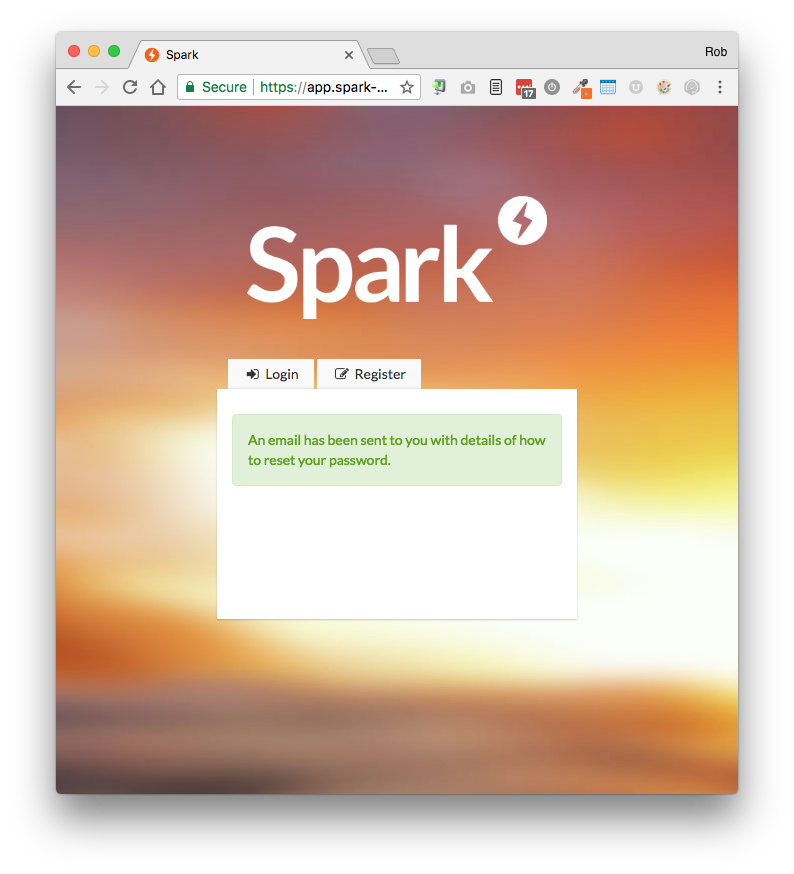
Password Reset Request will be sent to your email and you will see the following confirmation:
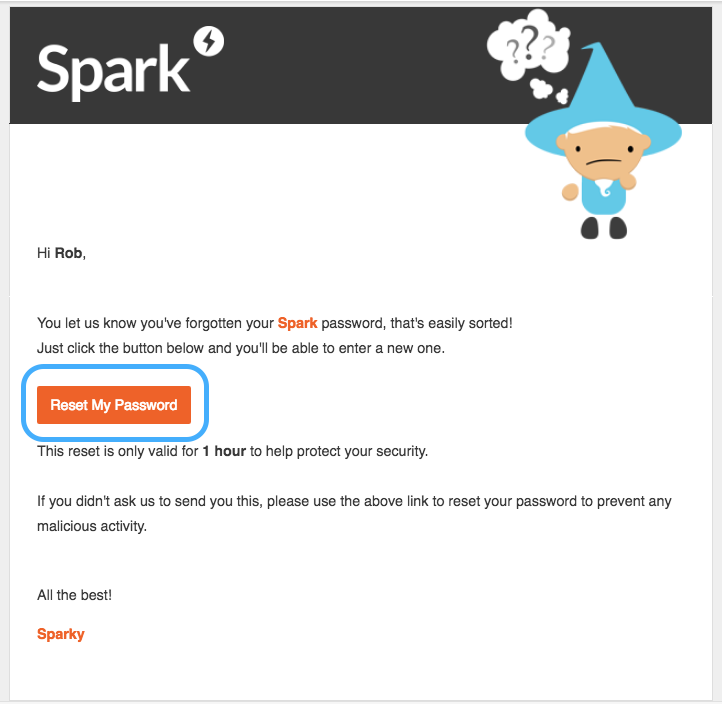
Step 5 - Email Received in your Inbox
You will receive your reset confirmation in your email account
If not, check your spam folder.
Click the Reset My Password button to proceed to the next step
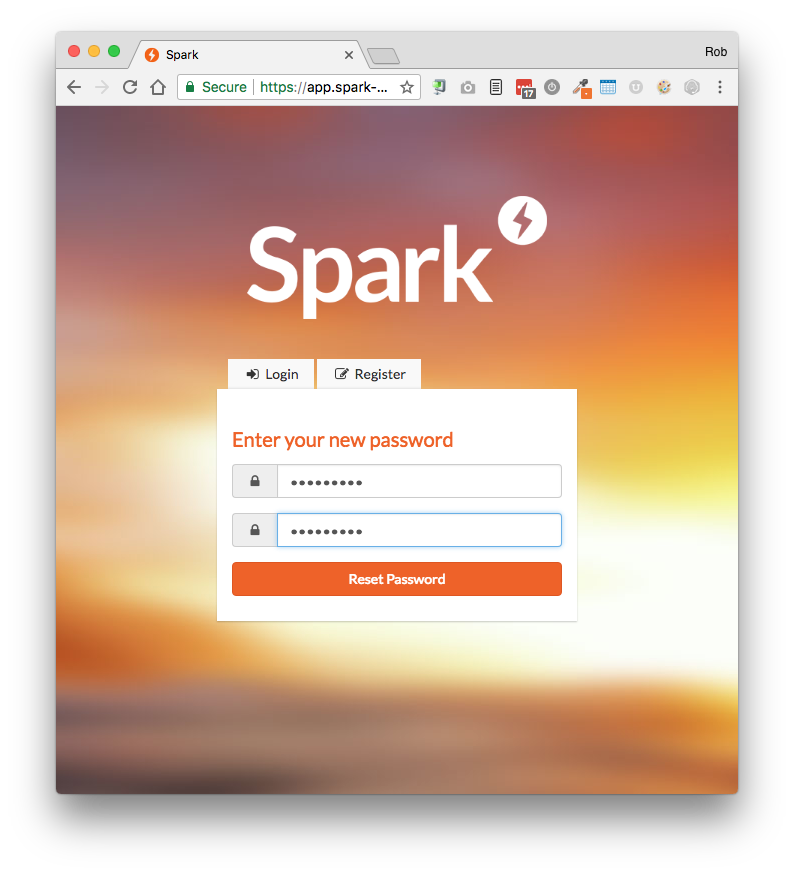
Step 6 - Enter your new password
Enter your preferred password - Minimum 8 characters
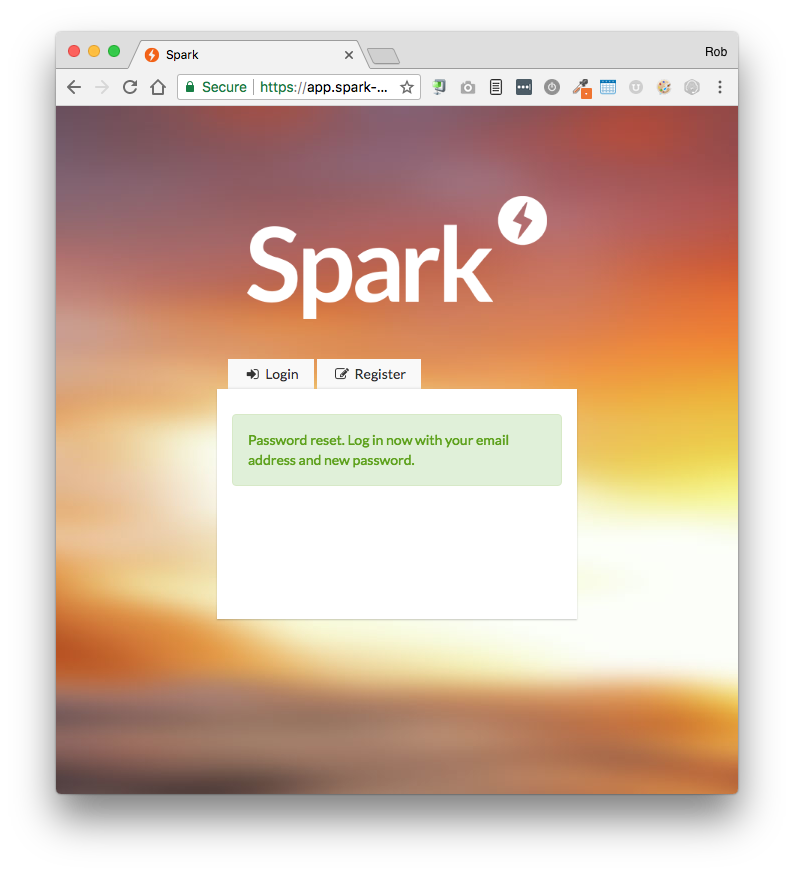
Step 7 - Confirmation and Login
When your new password has been set you will see the confirmation below.
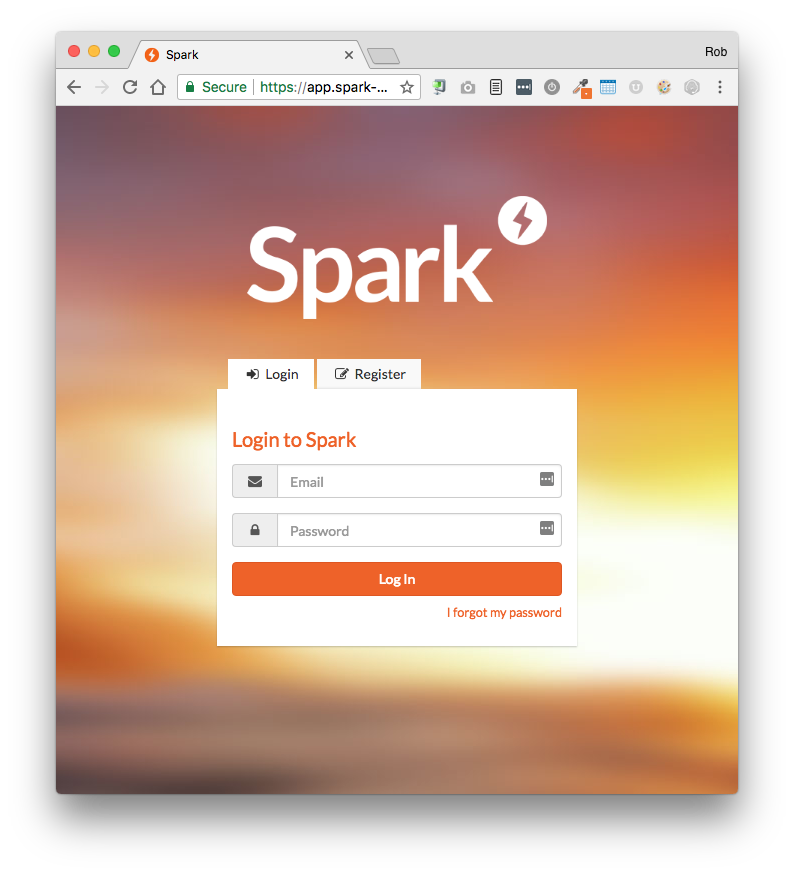
Press the Login button to enter your email and new password
Some browsers will insert the last password you used automatically which will show up as ******** - so make sure to type in your new password.
Comments
0 comments
Please sign in to leave a comment.