
As you move through the fields Spark saves each field as you go, so you can leave the form at any point.
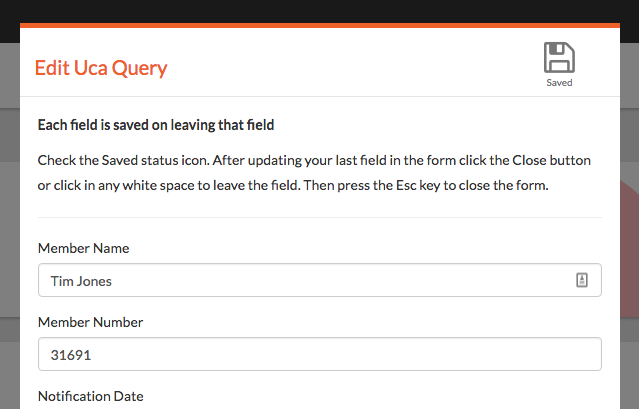
Save indicator - See top right of the form
You start entering data into a field - Unsaved Changes
You leave the field - Unsaved Changes > Saved
You can leave the field by pressing the Tab key to get to the next field or by clicking anywhere else in the form with your mouse.
Closing the form
You can leave the form by press the Esc key on your keyboard
Close Button
There is a Close button at the bottom of the form for you convenience but it's easier to press Esc once you've saved the last field.
Comments
0 comments
Please sign in to leave a comment.